Free Internet Radio Hosting: Start and Budget Smart
Start with free internet radio hosting, plan for music licensing, and compare Wowzaradio plans before choosing what your station needs.
Free internet radio hosting lets you start a station without a monthly hosting bill: Wowzaradio’s Hobbyist plan is $0 forever. Your total budget may still include music licensing, equipment, and other choices, so separate the cost of hosting from the cost of running your station.
What Free Internet Radio Hosting Means
Wowzaradio is an internet radio hosting network of independent human hosts. It is not affiliated with Wowza Media Systems.
For someone starting a station, the free Hobbyist plan offers a starting point without a recurring hosting charge. For someone already running a station, it provides an option to evaluate against current needs before committing to a paid plan.
The important distinction is that free hosting does not mean every part of broadcasting is free. Music licensing is a separate paid add-on, and requirements vary by country. You may also choose to spend on microphones, headphones, production tools, artwork, or promotion.
Start by defining the station you want to run, then compare the current plan details on the hosting plans page. Do not assume every feature is included in every tier.
How to Start Your Internet Radio Station
1. Choose a clear station format
Write a one-sentence description of your station: what you broadcast, who it serves, and why someone should return. A focused idea makes it easier to plan shows and explain your station to potential listeners.
Next, sketch a manageable schedule. One dependable live show is a more practical starting commitment than a calendar you cannot maintain. Decide what listeners should hear between your live sessions, too.
2. Start with the hosting plan you need today
Review the Hobbyist plan first if avoiding a monthly hosting fee is your priority. Compare it with paid options based on the needs of your actual station, rather than upgrading simply because you hope to grow.
If you already run a station, list your current workflow before comparing plans: how you go live, what happens when you stop, and which listener-facing tools you use. That list will help you identify what to confirm before making a change.
3. Check music licensing before broadcasting music
Treat music permissions as a separate setup task, not something automatically covered by choosing a host. Wowzaradio offers music licensing as a separate paid add-on, with availability and details varying by country.
Read the music licensing guide before setting your music budget. Avoid assuming that a hosting subscription alone settles the rights needed for your intended broadcasts.
4. Choose your broadcasting workflow
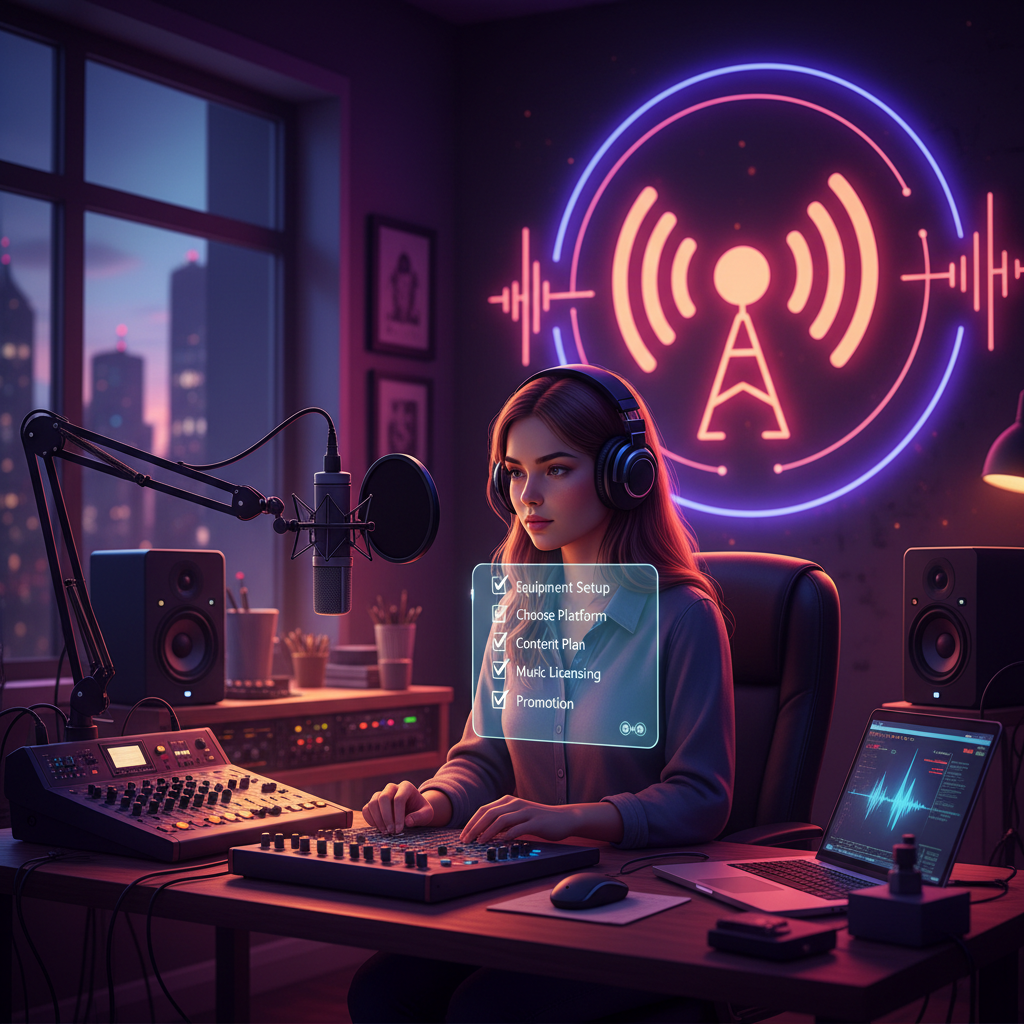
Wowzaradio supports one-tap browser broadcasting through “Go on air.” AutoDJ takes over when you stop, making the transition between live hosting and off-air coverage part of your planning.
You can also broadcast with OBS, butt, and phone apps. Pick a workflow you can operate comfortably, then test your microphone, audio levels, and connection before promoting a live show. See the broadcasting software guide for help choosing your approach.
5. Prepare the listener experience
Decide where you will direct people to listen and how you will tell them about your schedule. Wowzaradio offers an installable listener app through Add to Home Screen, alongside tools such as a station video player and events. Check plan details for the features you want to use.
For a broader setup walkthrough, follow the start a radio station guide.
What to Budget For
Keep your budget in two parts: the hosting plan and everything outside it.
| Hosting plan | Listed price |
| --- | --- |
| Hobbyist | $0 forever |
| Starter | $19/month |
| Creator | $29/month |
| Pro | $69/month |
| Network | $199/month |
Paid plans start with a 14-day trial. Code WOWZA10 gives 10% off an eligible paid plan at checkout; check eligibility rather than assuming the discount applies to every purchase.
Beyond hosting, make a separate line for each potential expense:
- Music licensing: A separate paid add-on that varies by country. Confirm the relevant details before estimating a total.
- Audio equipment: Assess what you already have before buying microphones, headphones, or other gear.
- Production and presentation: Allow for any editing tools, artwork, or outside help you choose to purchase.
- Promotion: Set a deliberate limit if you decide to pay to advertise your station.
There is no single accurate all-in price without knowing your format, location, and existing setup. A useful working budget is hosting + applicable licensing + chosen operating expenses.
Listener subscriptions are a different category: Wowzaradio’s music-only listening tiers start at $1.49/month. They are not station hosting plans.
Tips for Keeping Costs Under Control
Test before buying more gear. Listen back to a trial recording and fix obvious setup problems before assuming you need new equipment.
Upgrade for a defined need. Review the plan comparison when your requirements change, and identify exactly what the added monthly cost will support.
Add audience tools gradually. Wowzaradio offers podcast hosting, fan clubs, tips, merch, and ads revenue share. These are options to evaluate, not guaranteed income; do not budget on earnings you have not established.
Keep your station’s identity clear. Human hosts are central to Wowzaradio. AI is optional off-hours coverage only, and AI content is labelled “AI-assisted.”
Frequently Asked Questions
Is Wowzaradio’s free hosting temporary?
No. The Hobbyist plan is $0 forever. Paid plans are separate and start with a 14-day trial. Compare current plan details before choosing.
Does free internet radio hosting include music licensing?
Music licensing is a separate paid add-on on Wowzaradio and varies by country. Review the licensing guide rather than treating free hosting as permission to broadcast music.
Do I need separate broadcasting software?
Not necessarily. You can use one-tap browser broadcasting with “Go on air.” Wowzaradio also works with OBS, butt, and phone apps if you prefer another workflow.
Start With a Budget You Can Maintain
Keep your first setup focused: choose a format, confirm licensing needs, test your broadcast, and add spending only when it serves a clear purpose. Compare Wowzaradio hosting plans to explore the $0-forever Hobbyist option or choose a paid plan for your station’s needs.
AI-assisted: drafted with AI and reviewed by the Wowzaradio team.